> For the complete documentation index, see [llms.txt](https://docs.sysout.co.kr/llms.txt). Markdown versions of documentation pages are available by appending `.md` to page URLs; this page is available as [Markdown](https://docs.sysout.co.kr/web/back-end/spring-boot/spring-controller/model.md).
# Model
Model의 활용법에 대해서 살펴본다
## Model이란
`Model`은 `MVC Pattern`의 M에 해당하는 것으로 **Controller와 View(JSP) 사이에 전달되는 데이터**를 의미한다. Spring에서는 Model 클래스를 통해 처리하도록 구현되어 있다.
## Controller & View 생성
`boot02controller` 프로젝트에 Mapping과 JSP View를 하나씩 추가한다.
### Controller mapping 생성
`DemoController`에 다음과 같이 코드를 추가한다.
```java
@RequestMapping("/modelTest")
public String modelTest(Model model) {
model.addAttribute("testString", "Hello Spring Boot");
model.addAttribute("testNumber", 12321);
return "modelTest";
}
```
매개변수에 Model을 선언하면 요청 발생 시 Spring에서 자동으로 해당 객체를 생성하여 사용할 수 있도록 주입한다. 따라서 Model 객체에 `(이름, 값)`을 추가하면 View에서 이름으로 값을 호출하여 사용할 수 있다. 이름은 `String`으로 설정해야 하며, 값은 `Object` 형태 즉, 아무 형태나 설정할 수 있다.
### JSP View 생성
Controller mapping에서 반환한 주소인 `modelTest`에 맞는 `JSP View`를 생성한다.
{% hint style="info" %}
주의
ViewResolver가 적용되어 있으므로 Prefix와 Suffix를 잊지 말아야 한다.
* prefix - `/WEB-INF/views/`
* suffix - `.jsp`
[JSP 연동](/web/back-end/spring-boot/spring-controller/add-jsp.md#view-resolver) 참조
{% endhint %}
{% code title="modelTest.jsp" lineNumbers="true" %}
```html
<%@ page language="java" contentType="text/html; charset=UTF-8"
pageEncoding="UTF-8"%>
testString : ${testString}
testNumber : ${testNumber}
```
{% endcode %}
Model을 출력할 때는 EL을 사용하며 다음 값은 동일한 결과를 가진다.
* ${testString}
* ${requestScope.testString}
## 결과 확인
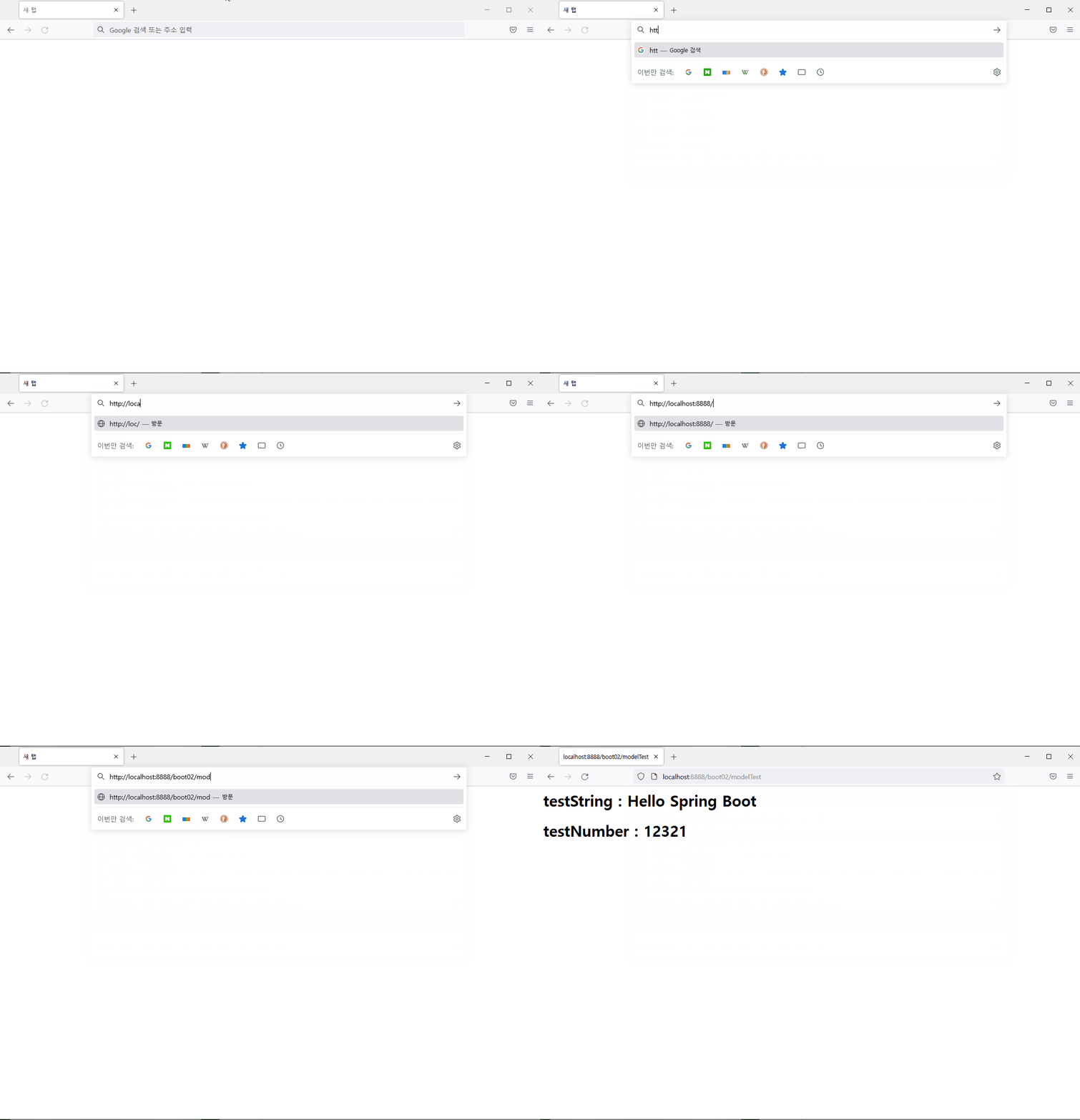
브라우저에서 다음 주소를 입력하여 결과를 확인한다
{% embed url="" %}
## 결론
`Model`은 `MVC Pattern`에서 프로그래밍 처리를 하는 `Controller`의 결과를 완성될 화면인 `View`에 전달하는 역할을 한다. `View`는 여러 종류가 있을 수 있으며 `JSP`도 그 중 하나이다.